Find what mixes next.
Pick a track and see everything in your library that's in key with it.
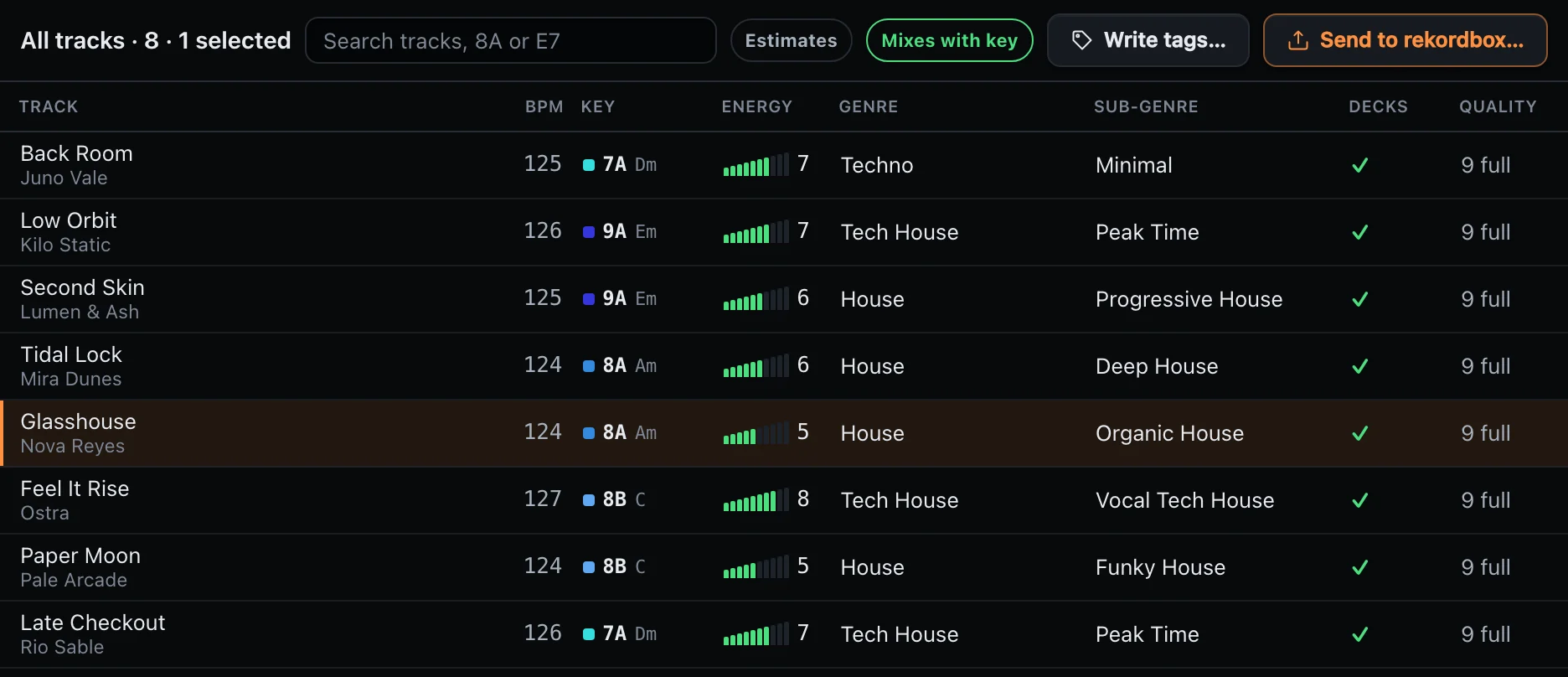
Key, BPM, energy and genre, filled in across your whole library. It keeps what you already have from Mixed In Key or Serato, and marks anything it had to guess.
See what else it does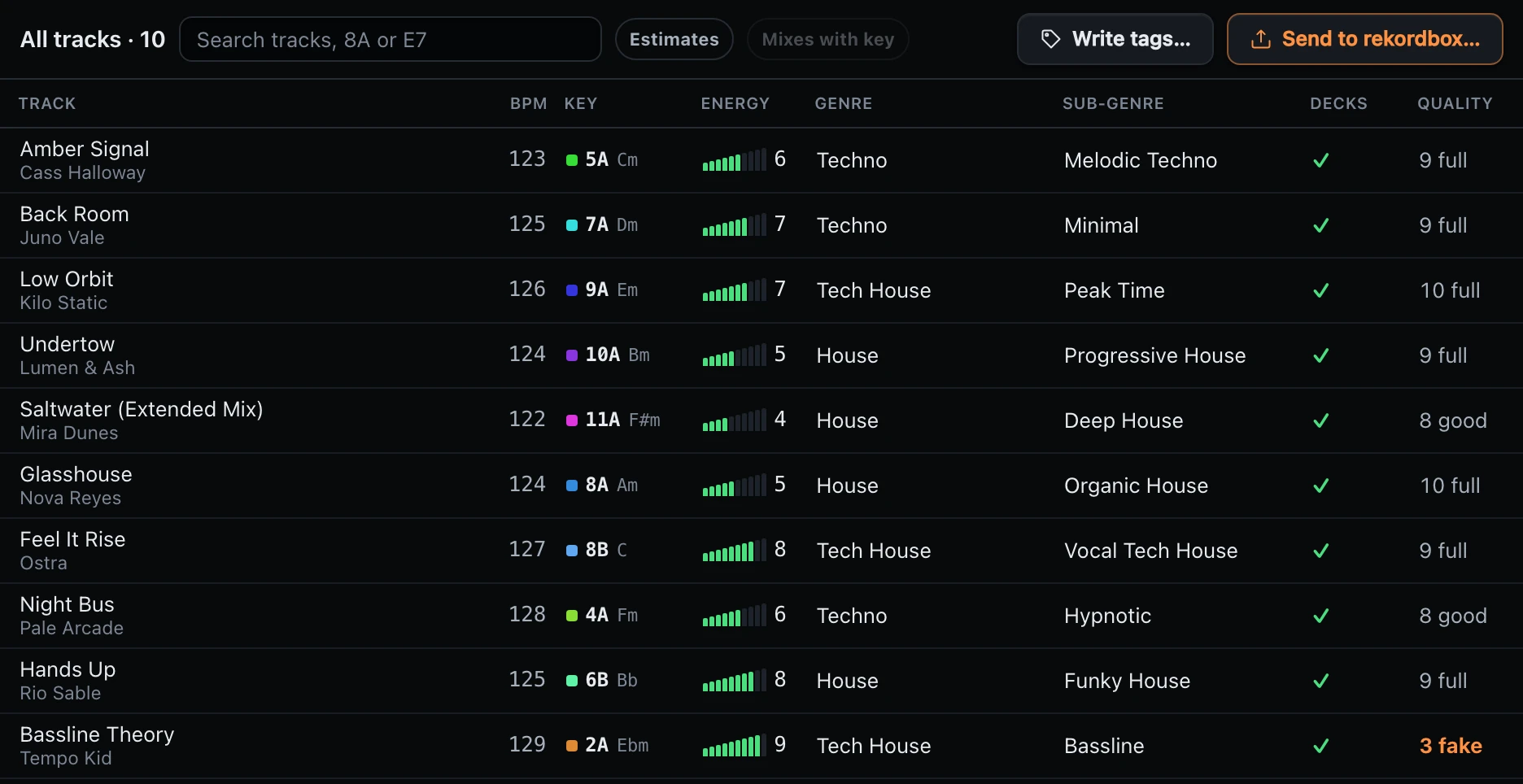
Pick a track and see everything in your library that's in key with it.
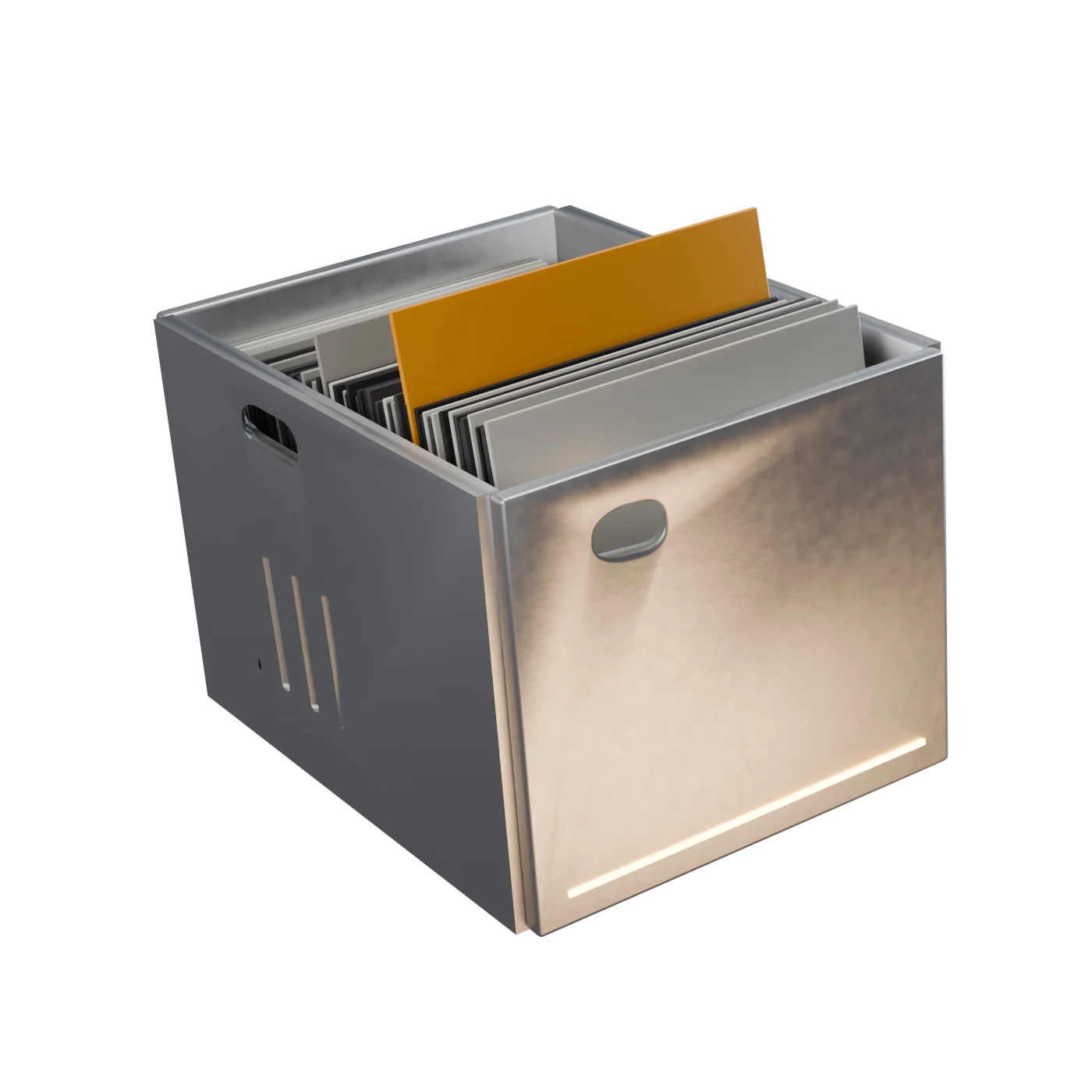
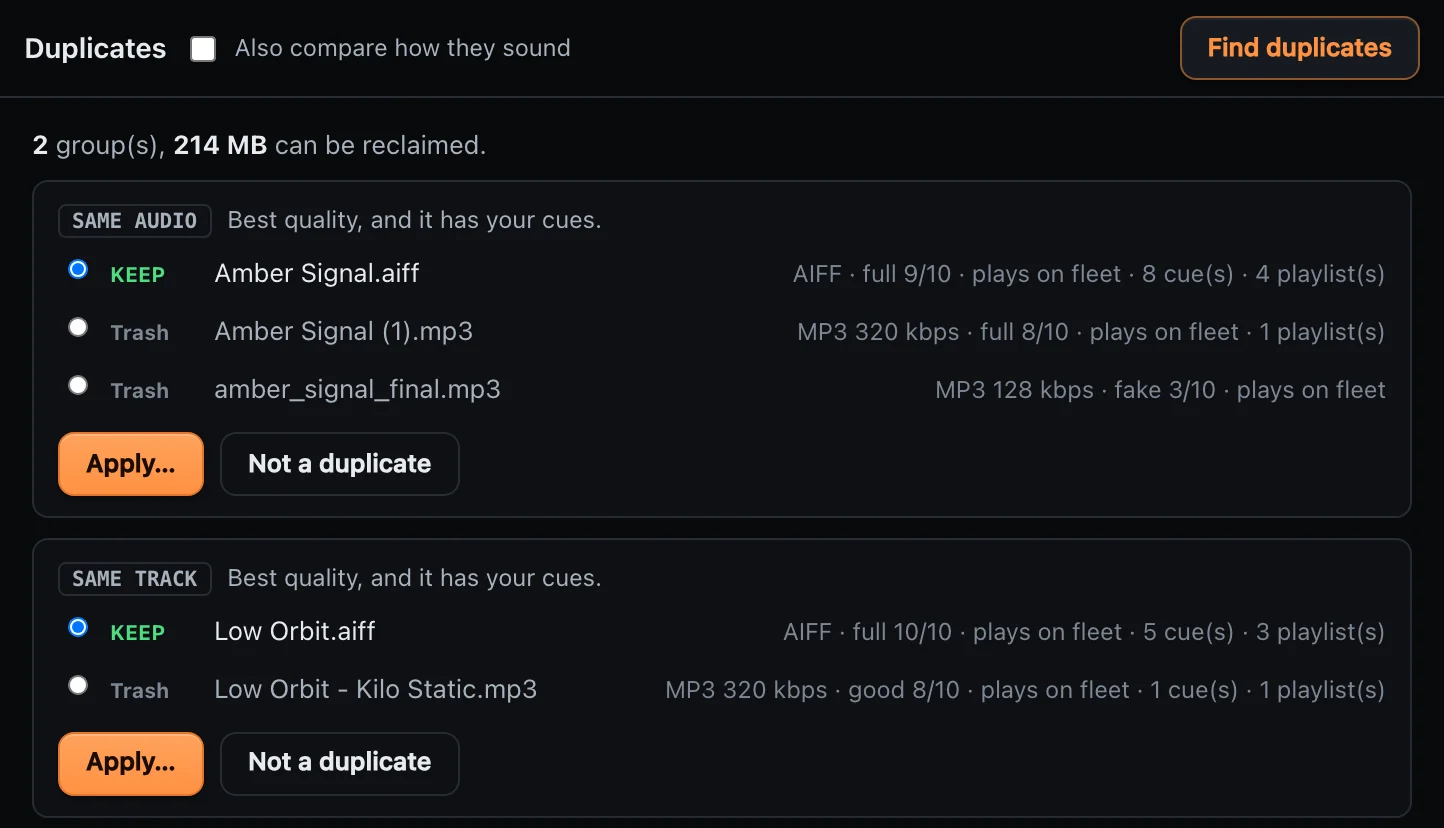
Got the same song three times? It keeps the best one and puts the rest in the Trash, where you can still get them back.
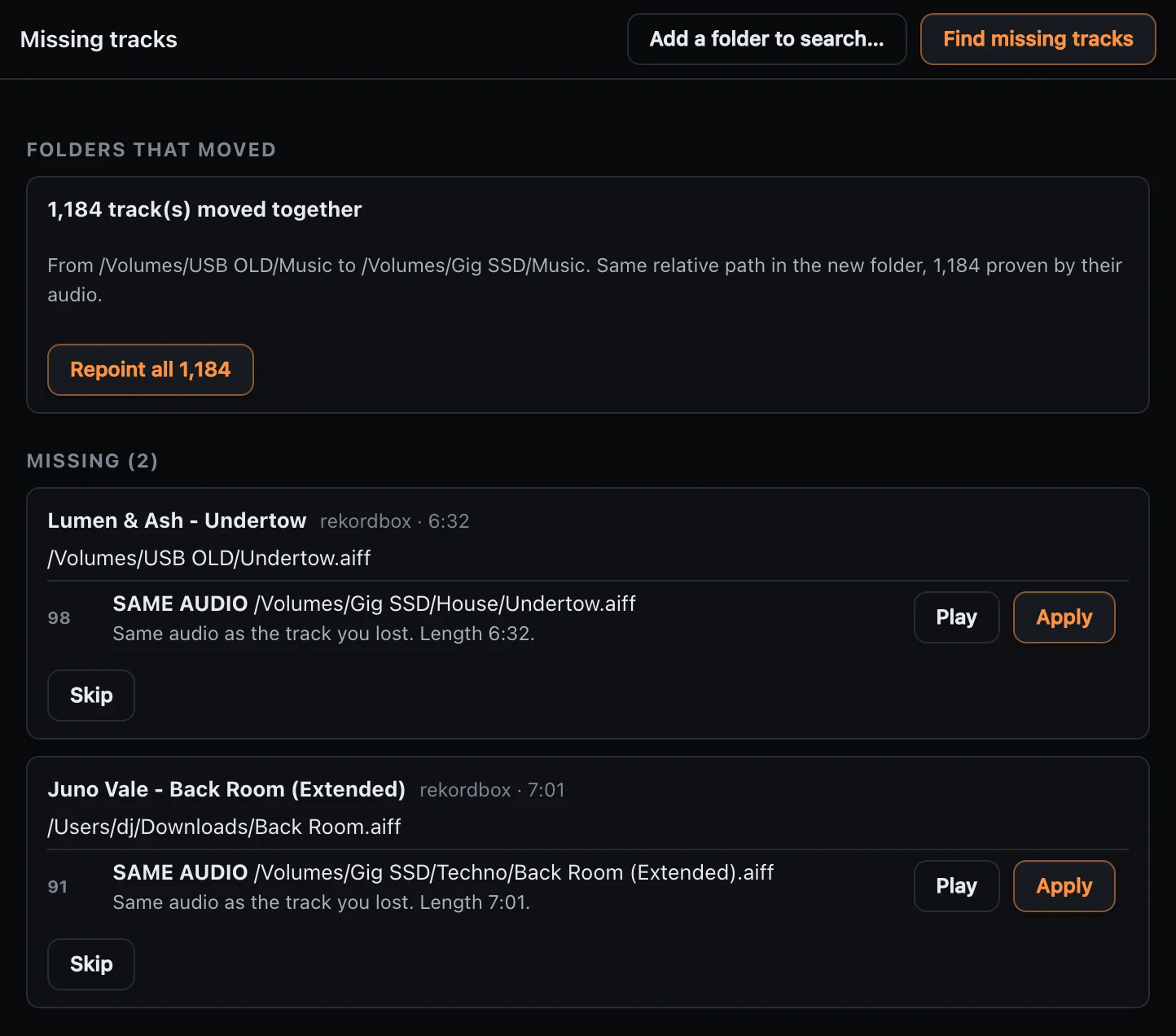
Switched drives or renamed a folder? Grooveprep finds your songs again, all at once.
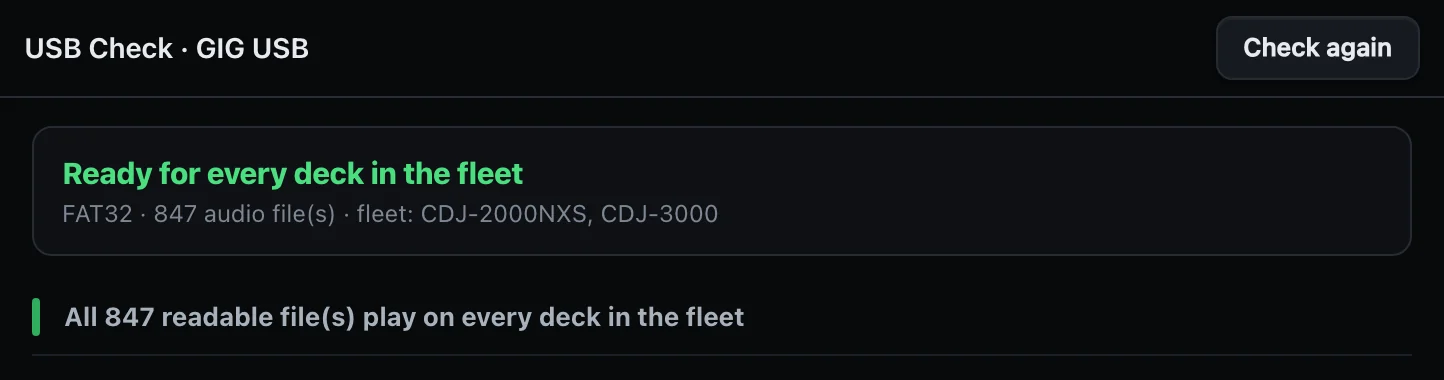
Send your tracks to rekordbox, then check your USB stick. You'll know everything plays on your decks before you leave the house.
Paste a Spotify or YouTube Music link and see which songs you already have.
When two sources disagree on a track's key, it tells you.
Some files say high quality but aren't. They go in their own list.
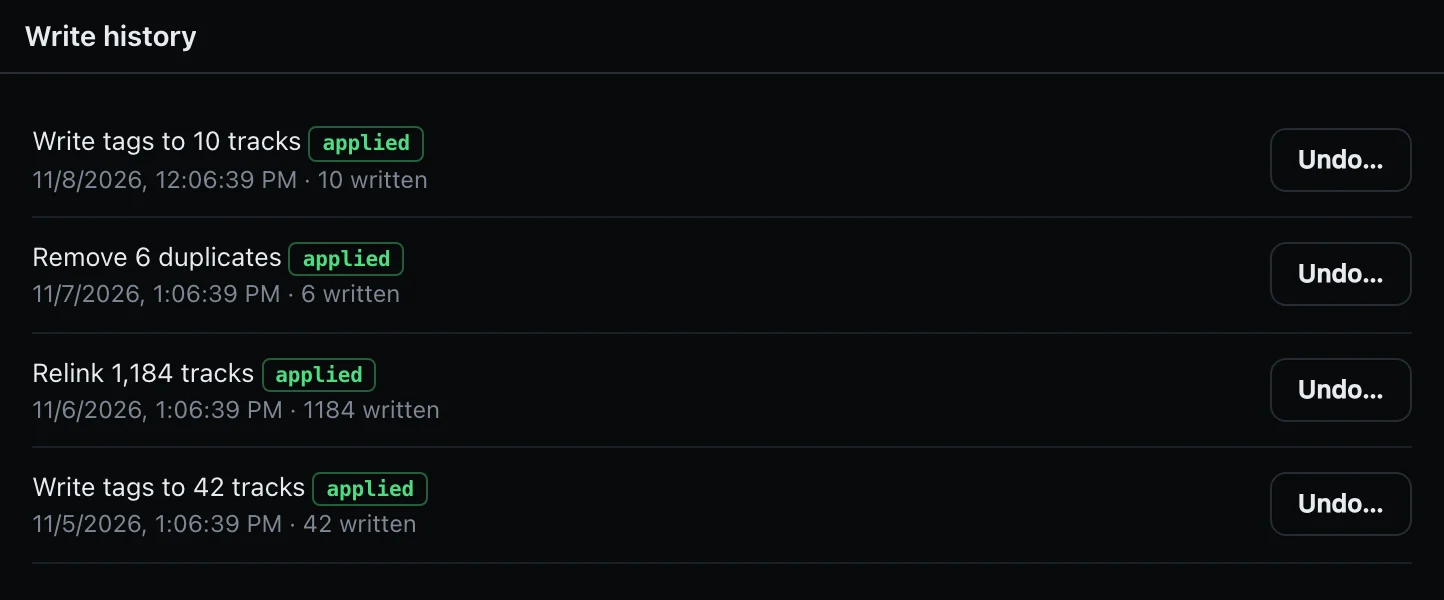
Grooveprep never changes how your music sounds. Don't like a change? Hit Undo.
It won't touch rekordbox while it's open, and it saves a backup first.
Tap every deck you might play on. We'll show you what works on all of them.
Grooveprep checks your songs and your USB stick against these decks.
Enter your email and click the link we send.
You get your own key and the download.
Open Grooveprep and paste your key. That's it.
Free, no card. One email and the key is yours.
The free beta is open